
Punjabi Vet AI Scribe
PawfectNotes understands spoken Punjabi and transcribes it accurately, including when a consult switches between Punjabi and English in the same recording.
Punjabi is supported for speech, not for written notes. You can hold the whole consult in Punjabi and PawfectNotes will understand it, but the written note and the client discharge summary come back in English or another supported note language — not in Punjabi. We are not going to imply otherwise.


How it works
- 1 Click “Start” before the appointment.
- 2 Speak naturally in Punjabi with your client.
- 3 Click “Finish” at the end of the appointment
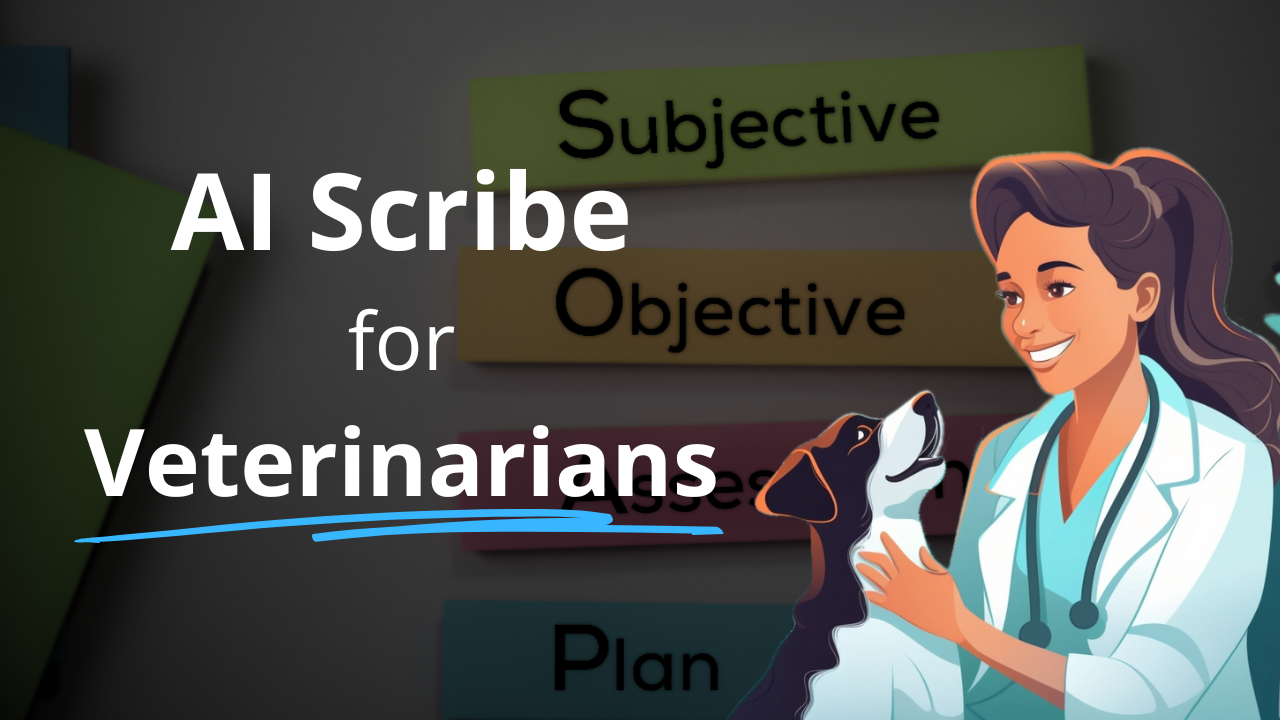
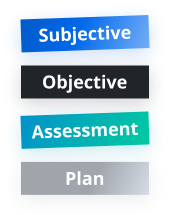
- 3 Your SOAP note is automatically generated!
Click
Appointment

Click

SOAP Ready!
Integrates with your tools
Works alongside leading EMRs and communication tools.
Integrated practice management systems 19
PawfectNotes connects to these directly. Seven write the finished note into the record automatically; the rest export with one click.
Setup guides for other software 50
There is no direct connection to these. PawfectNotes works with them by copy and paste, as it does with any cloud or desktop software — each guide shows the steps.
Don’t see your system? We’ve got you covered.
PawfectNotes works with any veterinary software — cloud or desktop. Here’s how:
Any Cloud Software
Runs in the browser? Use our Chrome or Edge extension: record the appointment, then export the note into the record.
Get the browser extension See How It Works →Any Desktop Software
Record in the PawfectNotes web app next to any desktop EMR, then paste the finished note in.
See desktop setup See How It Works →Want to see it in action with your specific system?
Disclaimer: The names and/or logos displayed are the trademarks of their respective owners; their use does not imply any endorsement or partnership.
Faster than typing. Smarter than dictation.
| Task | Manual Typing | Dictation | PawfectNotes |
|---|---|---|---|
| Capture full visit | Slow | Medium | Automatic |
| Structured SOAP | Manual | Manual | Auto-formatted |
| Consistency | Varies | Varies | Templates |
| Time per case | 10–15 min | 7–10 min | ~2–3 min |